


Guides
 Delay Camera: Watch Your Last Rep Seconds After It Happens
 Video Replay App: Instant Replay Without Pressing Record
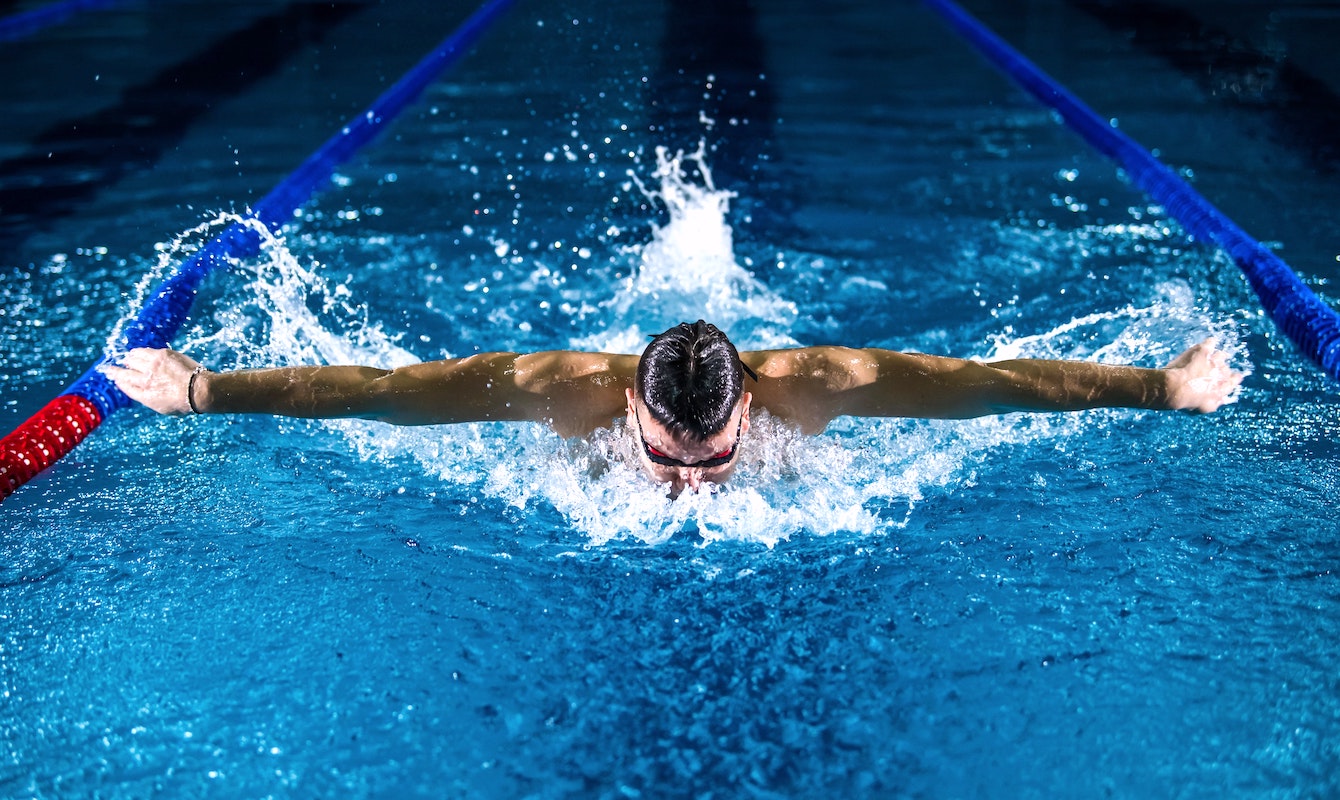 How Underwater Video Feedback Transforms Swimming Training
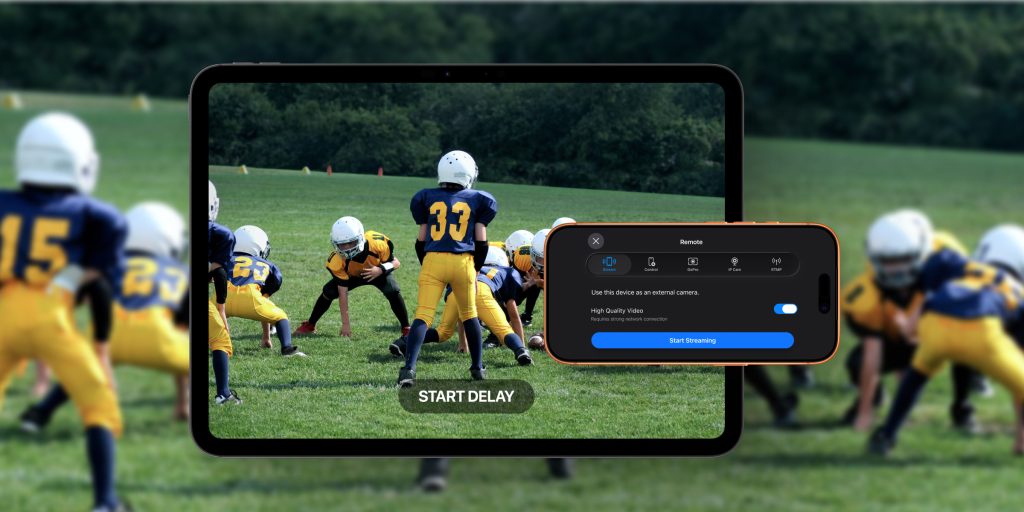 How to Use an External Camera with the Video Delay App
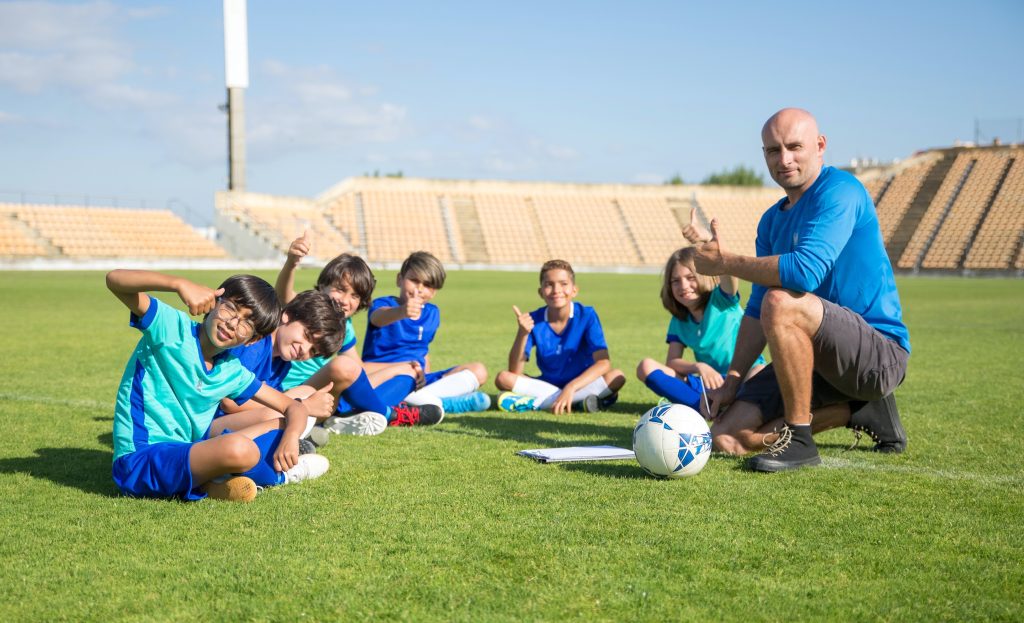 Video Delay for Schools & Clubs: Licenses Without VPP
 See Your Golf Swing Replay at the Range
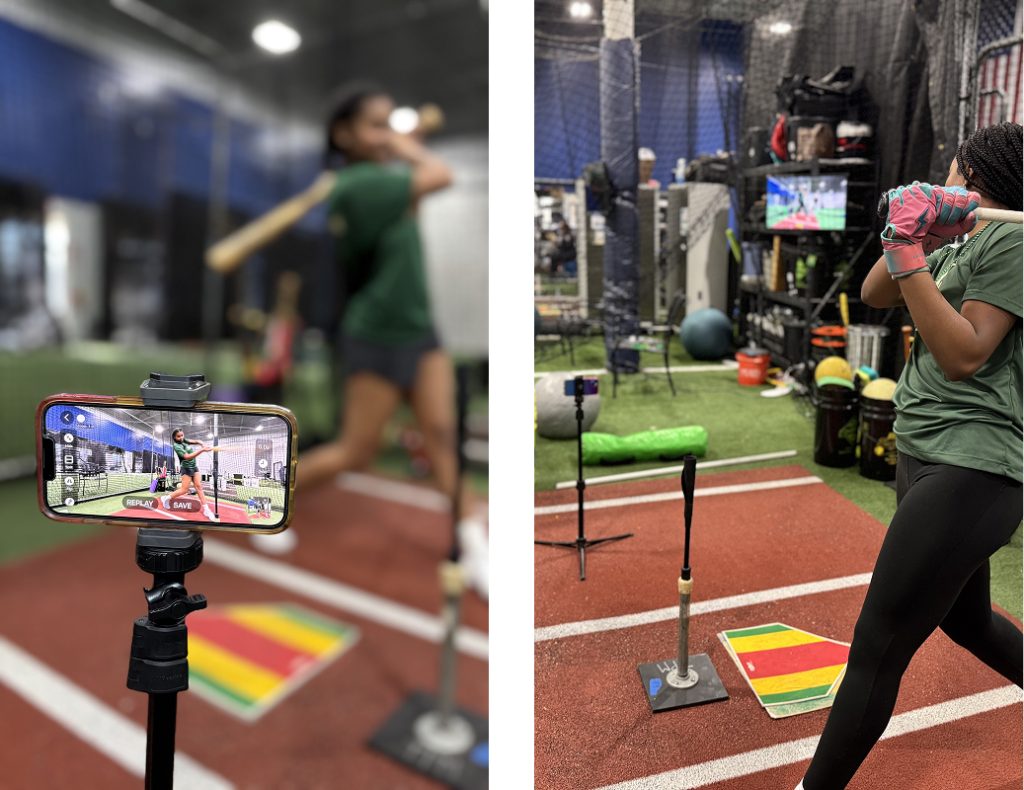
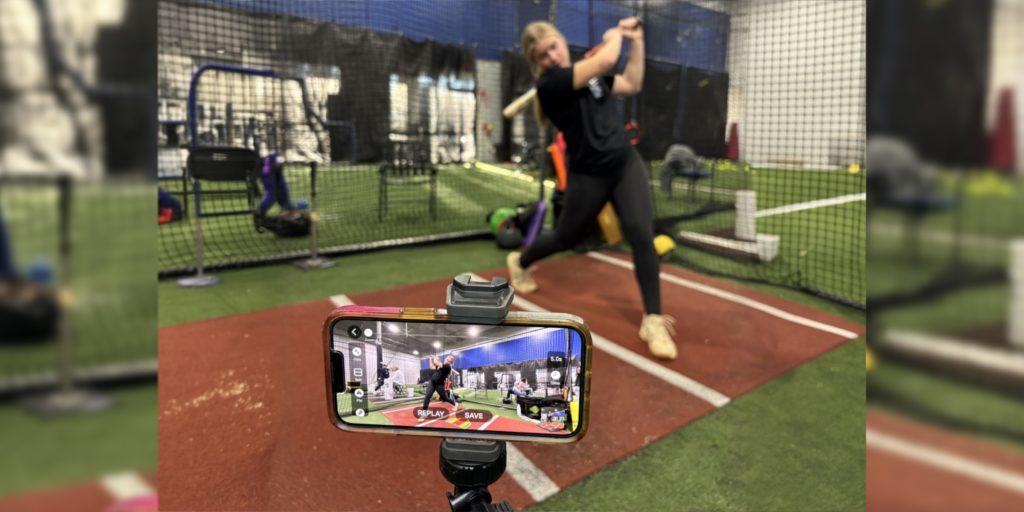 How Coaches Use Video Delay for Softball Training
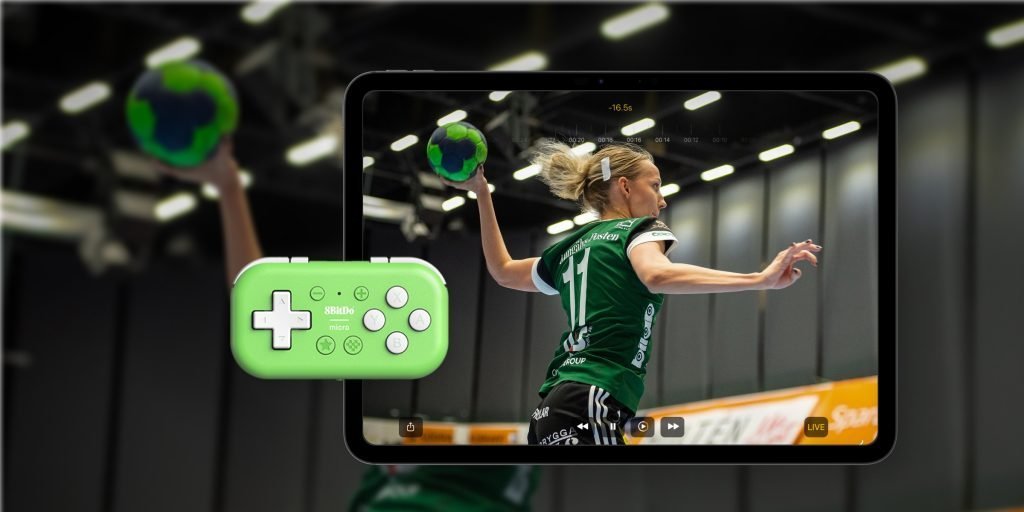 Hands-Free Replay: Use a Game Controller with Video Delay
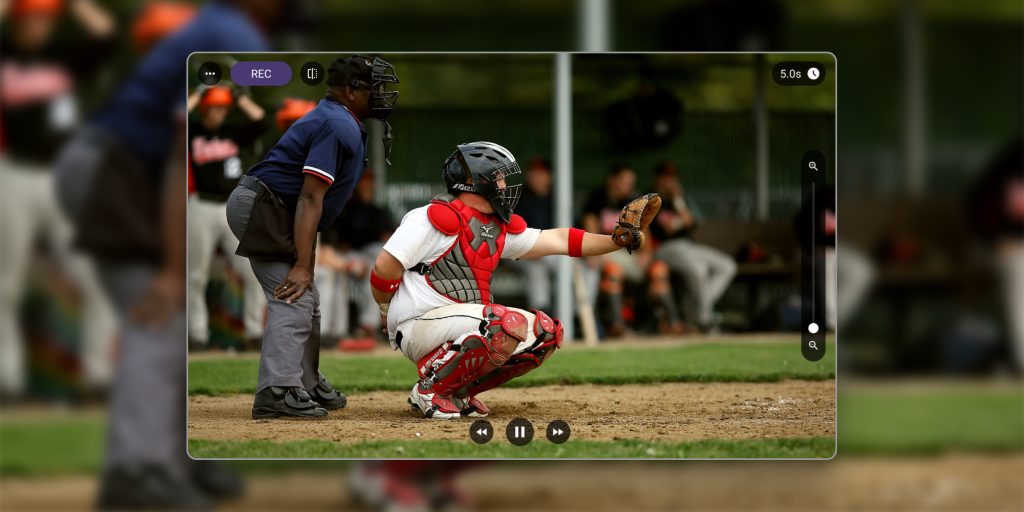 Video Delay App for Android
What is the Video Delay Instant Replay app?
The VDIR app provides instant video feedback by displaying a delayed replay of actions, allowing athletes and coaches to analyze and improve performance without needing to press record.
Do I need an account or a credit card to try the app?
No. You can use Video Delay Instant Replay before you pay anything. There is no account to create, no payment details to enter, and no auto-renewing trial to cancel. A subscription unlocks everything. Video stays on your device, so there is nothing to upload and nothing to sign up for.
What is a delay camera?
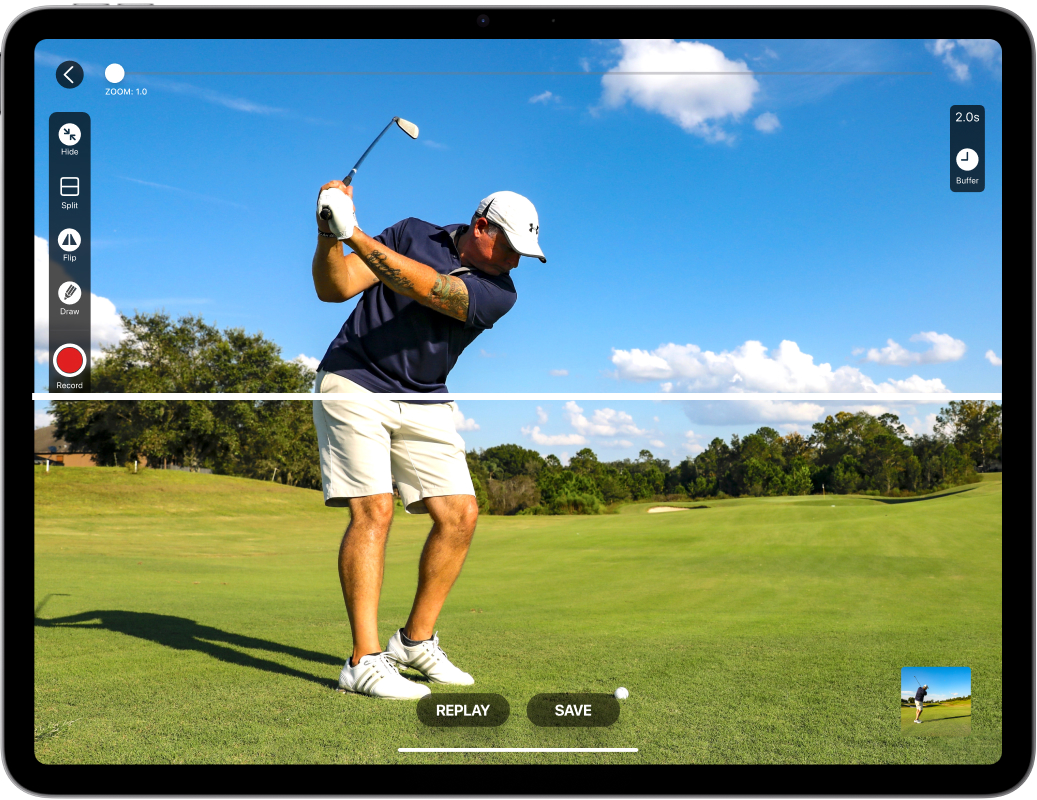
A delay camera shows your camera feed on a delay, so you watch what happened a few seconds ago instead of the live picture. Set your phone or tablet on a tripod, choose a delay time, and after each rep look up to see it replayed automatically. There is nothing to press and no recording to stop, so practice never pauses.
What is a video replay app?
A video replay app lets athletes and coaches review an action right after it happens. Video Delay Instant Replay combines a delayed live feed with a dedicated replay screen where you can pause, play in slow motion, and step frame by frame. The app keeps capturing while a replay is open, so the next athlete’s rep is recorded too.
How do I set up the app for individual practice?
- Position your device, preferably on the tripod, ensuring the front camera faces you.
- Select practice mode: DELAY or SLO-MO
- Press the START button and set a buffer time suitable for your activity (e.g., 3-5 seconds for quick actions like swings; 30-40 seconds for exercises like squats).
- Perform your action and watch the delayed video to instantly assess and correct your form.
Can the app be used for team training sessions?
- After each repetition, athletes can review their performance while the delay continues in the background.
- The Dynamic Buffer allows athletes to extend buffer time and adjust video feedback to their needs.
- Streaming playback to a TV screen benefits players who can learn from each other.
- Replay View lets coaches annotate and save videos for later analysis.
Is the app available for both iOS and Android devices?
Yes, the Video Delay Instant Replay app is available on the App Store for iOS devices and Google Play for Android devices. However, iOS and Android apps have different features. Most of the features described on this website apply to the iOS version of the app. The Android app covers delay, long delay with longer rewind, slow motion, frame by frame replay, drawing and recording. See the Android page for what it does and how it differs.
Can I record a video with the VDIR app?
You can record your training sessions using the video delay app. Recording in DELAY mode starts when you hit the record button and captures one video file. Recording in SLO-MO mode* captures each slow-motion replay as a separate video. Videos are saved to your device’s Photos or Documents folder. You can select where to save the recordings in the app settings.
*Works only on iOS devices
Why does my 120 fps or 240 fps recording play in slow motion?
Your recording is fine and every frame is saved. The iPhone and iPad Photos app treats any video recorded at 120 or 240 fps as a Slo-mo video, so it plays the start and the end at normal speed and slows down the middle. To keep high frame rate practice recordings at normal speed, go to Settings > Save Destination in the app, choose Documents, and watch or share them from the Files app. Read the full guide.
Can I connect the app to an external screen?
You can connect your device to an external monitor or TV to provide more precise feedback during training sessions. This benefits coaches who want to display instant replay to multiple athletes simultaneously or when working out in a larger sports facility. To share the screen on iOS devices, use AirPlay or HDMI cable.
Can I stream between iOS devices using Video Delay app?
You can connect two iOS devices with the installed VDIR app. One device, let’s say an iPhone, can work as a camera capturing your actions. The other, let’s say an iPad, can receive the camera feed and work as a remote control for the app.
How to stream between Apple devices using the REMOTE CAMERA feature:
1. Open the Video Delay app on the devices you would like to connect.
2. On the Start Delay Screen, tap the [Remote] button.
3. On your iPhone, select Stream and tap [Start Stream]
4. On your iPad, select Control, tap [Join & Control], and enter the code to connect.
Note: You can stream from both iPhone and iPad.
How can I analyze my moves in detail using the app?
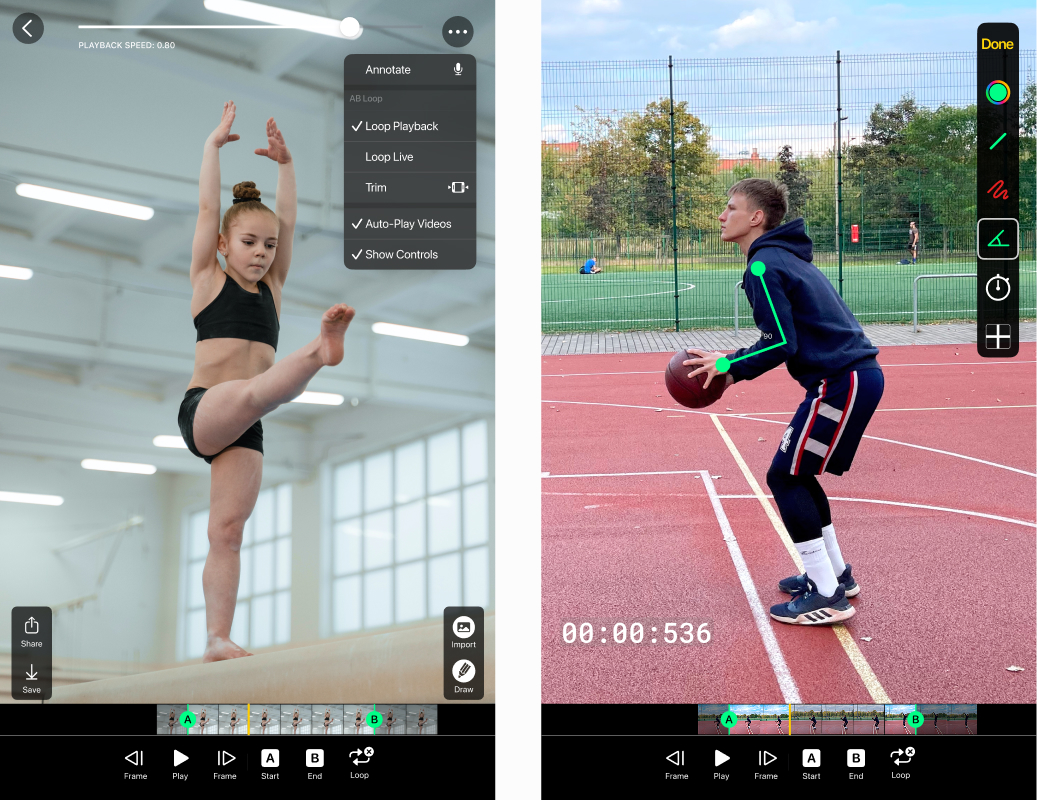
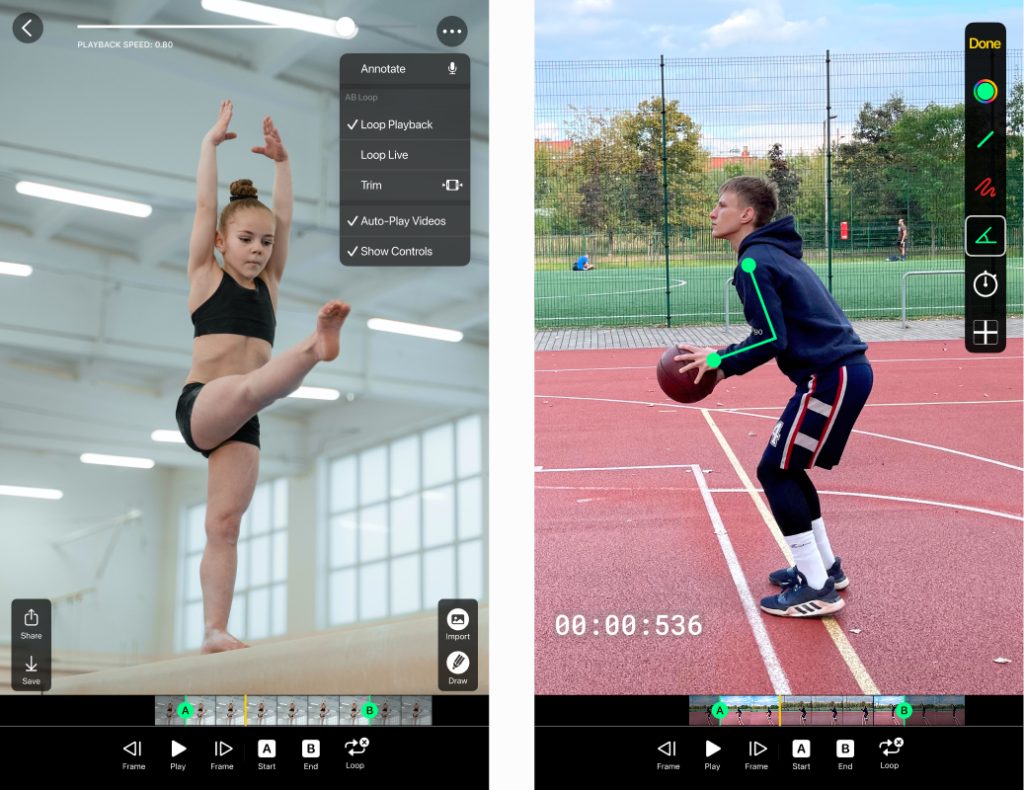
The app’s Replay View allows for accurate movement analysis. You can watch your actions in slow motion or frame-by-frame and measure angles to check your technique (angles are iOS). You can also precisely select a crucial part of your actions using A & B markers and save it for further assessment.
Can I add markups to the video delay footage?
Yes. Drawing tools let you add on-screen markups to make your feedback clearer. Just click the Pencil button to get started. First, pick a color, then choose the tool you want. Slide your finger across the screen when drawing lines and freehand shapes. To measure angles, tap twice. You can also add a vertical or horizontal line in the center of the screen to ensure perfect pose alignment during each repetition. Once you are finished with your markup, press Done. Later, you can choose whether to save the videos with or without the markup. Drawing is on Android too, with lines, freehand and center guide lines; measuring angles is iOS.
What types of sports or activities can benefit from using the app?
The app is versatile and can be used by individual athletes or sports teams for various activities, like baseball, volleyball, gymnastics, golf, swimming, archery and tennis. It’s recommended for assessment when working out alone and for training sessions with a coach, including softball, football, weightlifting, martial arts, pilates, or even physiotherapy. Coaches can also utilize it to analyze team drills in sports like soccer, basketball, cricket, and water polo. Gyms and sports facilities for gymnastics training or dance practice can also benefit from a video delay system.
Does using the app consume a lot of device storage?
No. Nothing is kept unless you record or save a replay yourself, and whatever the app is holding is cleared every time you exit. Turning on Longer rewind on Android lets the app hold more while it is running, and it always leaves free space on your device.
Can I use Video Delay app in portrait with an external screen?
Yes! External screen rotation is now fully supported and works great. It especially useful for golf coaches and gyms with vertically mounted TVs.
→ See step-by-step setup with screenshots
Can I display feed from two cameras simultaneously?
Yes, you can use two cameras at the same time. To set up Split Screen with different cameras, follow these steps:
On the Start Delay Screen, tap the [Split] button -> on the Split Screen, tap the [Remote] button -> select the camera feed you would like to add: Control (for Apple devices), GoPro, DJI, or IP, and follow the instructions to connect.
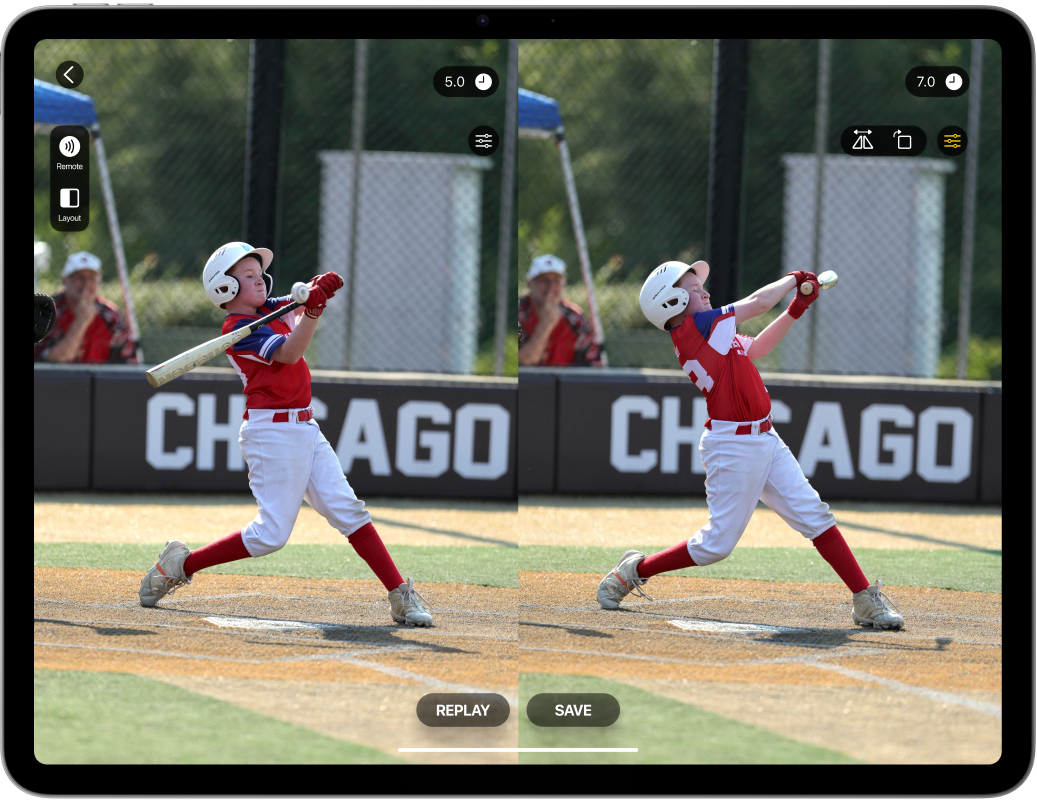
This way, one side of the Split Screen will display the camera feed from your device (like an iPad or iPhone), while the other side will show the Remote Camera. You can also set a different delay for each camera feed.
Example: Swimming coaches use dual cam support, combining an underwater camera with the device’s own camera, to collect more feedback on swimmers’ mechanics.
Can I use my Android phone as an external camera?
Absolutely! You can use your Android phone as a high-quality webcam for the Video Delay app.
Yes, provided your Android device supports USB-C webcam mode (standard on devices like Google Pixel) and your iPad has a USB-C port.
Open the Video Delay app on your iPad.
Connect your Android phone to your iPad using a USB-C cable.
On your Android device, open USB Preferences.
Scroll to “Use USB for” and select Webcam.
The Video Delay app should now recognize your phone.
You can then adjust the resolution and frame rate (fps) inside Video Delay by going to Settings > Video format.
Can I control Video Delay Instant Replay app with a gamepad?
Yes, with game controller support, you can control the app from across the field, batting cage, or the gym.
Most app features are linked to keyboard keys. That means you can use a controller to start a delay, manage replay, save clips, and rewind the playback without touching the screen.
We recommend the 8BitDo Micro for its compact size, but any controller that works like a keyboard should do.
Learn how to customise your controller on our blog.
Can I use an external camera with Video Delay?
Can I connect a DJI Osmo Action camera to Video Delay?
Yes. The Video Delay app connects directly to DJI Osmo Action cameras over Bluetooth and Wi-Fi, the same way it connects to a GoPro. There is no capture card, no cable and no separate recording step: the camera’s live view arrives in the app, and you can delay it, replay it in slow motion and step through it frame by frame. Support arrived in app version 3.17.3, so make sure your app is up to date.
We have tested the DJI Osmo Action 3 and the DJI Osmo Action 5 Pro, and both stream reliably. The Osmo Action 4 and Action 6 connect the same way, so they will most likely work too, but we have not tested them yet. If you run an Osmo with Video Delay, we would like to hear how it goes: [email protected].
To connect: on the camera, set Auto Power Off to the longest available time. In the app, open Remote > DJI, tap Connect to DJI, accept the connection request on the camera, then allow the Local Network, Bluetooth and Wi-Fi prompts on your iPhone or iPad.