
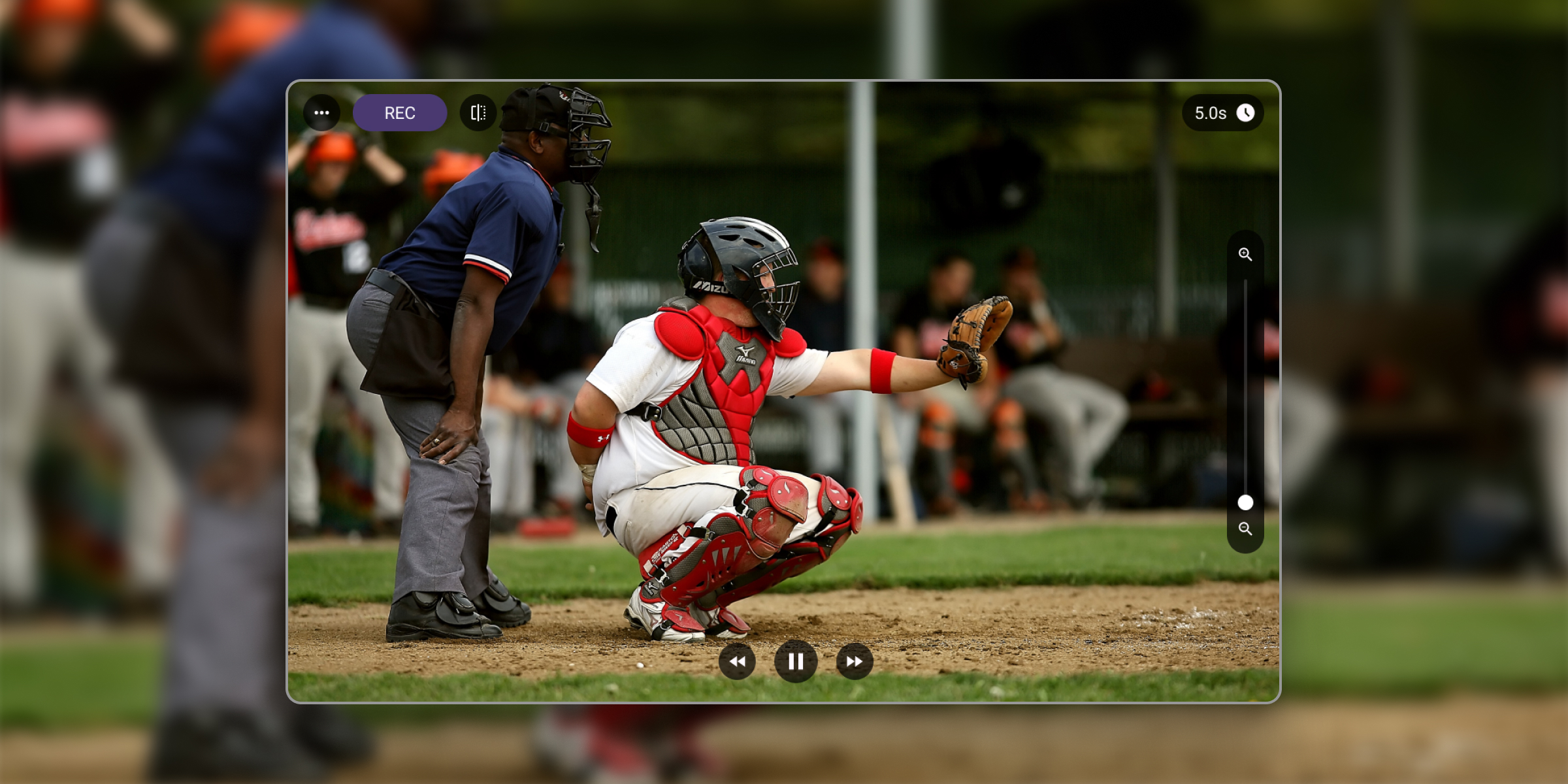
Plenty of coaches and athletes search for a video delay app for Android and come away thinking the whole category is iPhone-only. It is not. Video Delay Instant Replay is available on Android in two versions on Google Play, made by us, the same developer as the iOS app.
The idea is the same on every platform: set your phone or tablet on a tripod, point it at the action, and the screen becomes a delay camera, showing the camera feed on a delay. Finish your rep, walk over, and watch yourself a few seconds later. No pressing record, no rewinding, no interrupting practice.
Looking for BaM Video Delay for Android?
A lot of people land here after searching for BaM Video Delay for Android, so let’s answer that first: there is no Android version of BaM Video Delay. It is an iPhone and iPad app only, and its developer does not offer one on Google Play. The app below does the same delayed-view job on Android, and it comes from us, the developer of Video Delay Instant Replay, BaM’s closest competitor on iOS.
Video Delay Instant Replay CAM has over 100,000 downloads and a 5.0 star rating on Google Play. You can download it for free to check out the functionality.
What the Video Delay Android app does
Delayed view mirror. Pick a buffer time and the app becomes a mirror that shows the past instead of the present. Do a lift, a swing, or a turn, then look up and watch it play back, hands free. Break down action mechanics while maintaining an efficient training pace.
Replay mode. Tap Pause and review the playback – rewind, slow it down or skip frame by frame for detailed analysis. Mark a start and an end point to loop just the part that matters, and save the replay to your gallery, either all of it or just the section you marked. Look closer at your movements, check the timing and apply adjustments. This visual feedback helps connect your perception of the action with actual performance.
Long delay and longer rewind. Switch on Longer rewind in the delay picker and you can go back minutes rather than seconds, up to an hour on a capable device. The app tells you how far it can reach before you start. Useful when you want to look over a whole drill rather than only the last rep.
Drawing. Draw over the picture in delay, replay, and slow motion. Straight lines, freehand, and center guide lines, with a color picker and undo. Show the athlete what you mean instead of describing it.
Slow motion mode with a countdown. For quick actions of a few seconds, like a basketball shot, a golf swing, or a tumbling pass, the app replays your take in slow motion and shows a countdown so you know when it is ready for the next repetition. The slow motion speed is adjustable with a slider.
Recording. Delay Mode: Continuous recording works like a normal camera. Slow motion Mode: each slow motion take is saved as its own short video.
Which sports does this work for?
The same ones coaches use the iOS app for: any sport built on repetitions where seeing yourself right away beats being told what happened. Weightlifting and CrossFit, golf, basketball shooting, gymnastics and tumbling, dance, martial arts, volleyball serves, softball and baseball swings, diving, track drills. If the athlete repeats an action and can glance at a screen between reps, a delayed view fits.
Honest note: how the Android apps compare to the iOS app
The Android apps cover the core job very well: delayed view, long delay with longer rewind, slow motion replays, frame by frame review, drawing, saving replays, and recording. The iOS app is our flagship and goes further, with split screen, a second iPhone or iPad kept in sync as a second angle, external cameras such as GoPro, DJI Osmo Action, USB-C, RTSP, and NDI, on-device AI presets for several sports, and higher capture quality.
So if you only have Android devices, Video Delay Instant Replay CAM will absolutely do the job. If you have an iPad available, even an older one dedicated to the gym, the iOS app is the most capable version, and you can try it free before subscribing, with no payment details and no auto-renewing trial to cancel. Organizations can also purchase multi-device iOS licenses directly from us.
Frequently asked questions
Is there a video delay app for Android?
Yes. Video Delay Instant Replay CAM is free to download on Google Play, and Video Delay Instant Replay PRO is available as a one-time purchase. Both show your camera feed on a delay so you can review each rep without pressing record.
Is the Android version of Video Delay Instant Replay free?
Video Delay Instant Replay CAM is free to download on Google Play. You can test it out before purchasing the subscription.
Is BaM Video Delay available on Android?
No. BaM Video Delay is an iPhone and iPad app only. If you were looking for it on Android, Video Delay Instant Replay CAM does the same core job on Android phones and tablets. Here is a full comparison of BaM Video Delay and Video Delay Instant Replay on iOS.
Does the Android app have all the features of the iOS app?
No. The Android apps cover the core delay, slow motion, replay, and recording features. Split screen with drawing tools, a synced second device, external cameras such as GoPro, DJI Osmo Action, USB-C, RTSP, and NDI are currently iOS app features.
Can a club or school license the Android app for multiple devices?
No. Currently we offer multi-device licenses only for iOS. Clubs, schools, and teams can purchase the license directly from us with a regular invoice, outside the app stores. See the schools and organizations page for how to enquire.
Can I connect the Android app to a TV?
You can mirror the whole screen to a TV using Android’s built-in casting or a USB-C to HDMI adapter, since that works at the system level for any app. The iOS app additionally has a dedicated external screen mode over AirPlay and HDMI and a multi-cam mode for different angle review.