Written by Sophie Mooney, Pitching, Hitting & Fielding instructor at TPM, Atlanta, GA
In softball, almost every pitcher begins their journey the same way – spinning their arm in a circle without much structure or understanding of the full-body mechanics involved. Over time, they simply learn to throw harder, often relying solely on arm strength. Unfortunately, many never develop the proper mechanics that make softball pitching a truly “natural motion.”
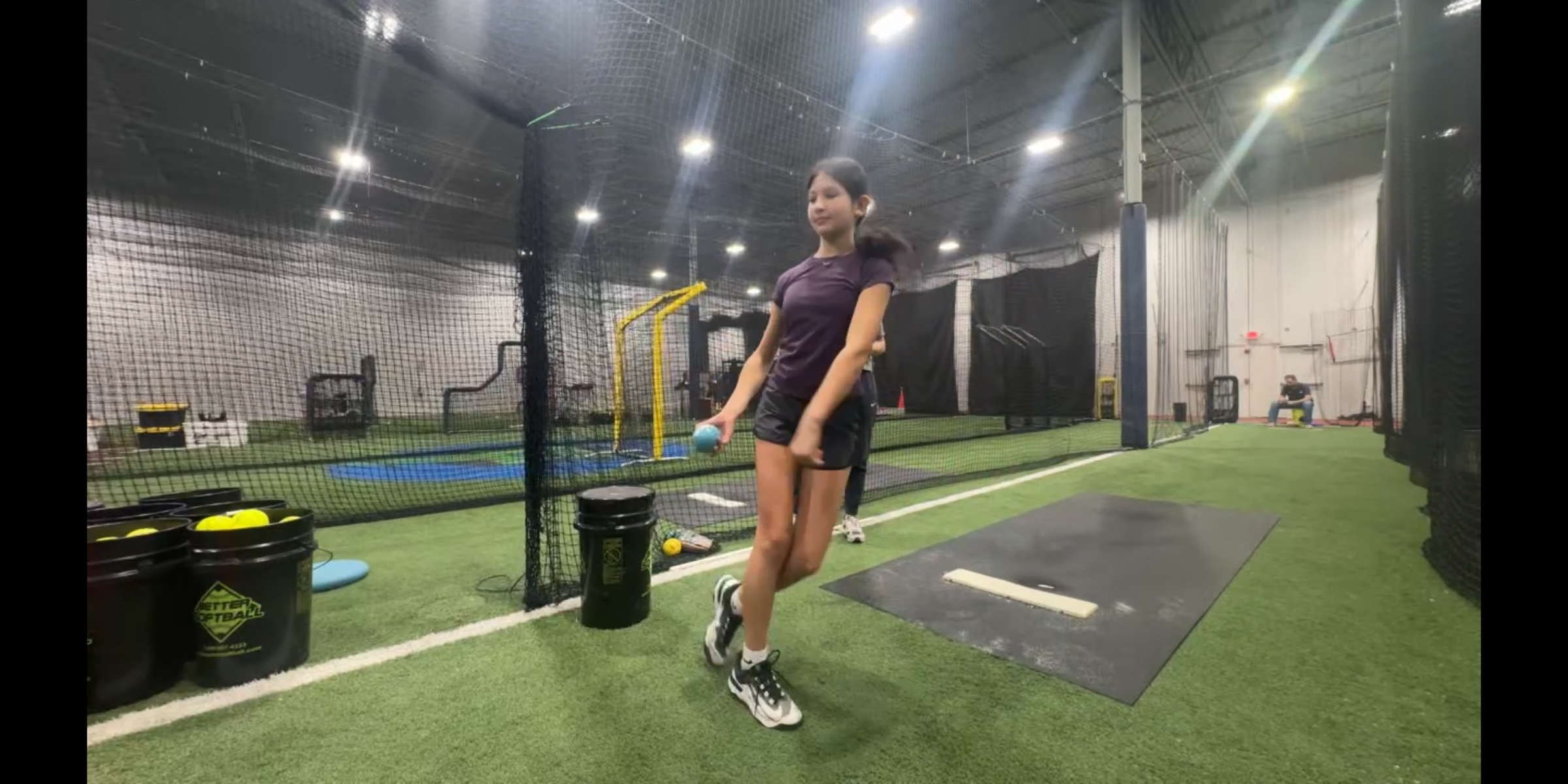
If you’ve ever paused a video or looked at a still image of a pitcher mid-motion, you may have noticed something that looks… off. Maybe the stride leg looks unstable, or the ankle appears to be under extreme stress – as if it might snap. That’s usually a sign the lower half isn’t doing its job.
That’s why understanding hip and knee drive is essential for every pitcher.
How Hip and Knee Drive Impacts Pitching
Your lower body is the engine of your pitch. A strong, well-timed hip-and-knee drive helps generate power from the ground up, taking pressure off the arm and improving overall efficiency. When used correctly, it can:
- Increase pitch velocity without overworking the arm.
- Improve consistency and control.
- Reduce the risk of injury by distributing force properly.
Without proper drive, pitchers often compensate with their upper body, leading to mechanical breakdowns and potential long-term issues.
Using a Video Delay App for Immediate Feedback
One of the most effective tools for developing better mechanics is a video delay app. It lets you record motion and replay it just seconds later, giving athletes and coaches instant visual feedback. Over time, this loop of instant video feedback helps pitchers improve muscle memory, making efficient movement patterns automatic under game pressure.
Here’s how to use it effectively:
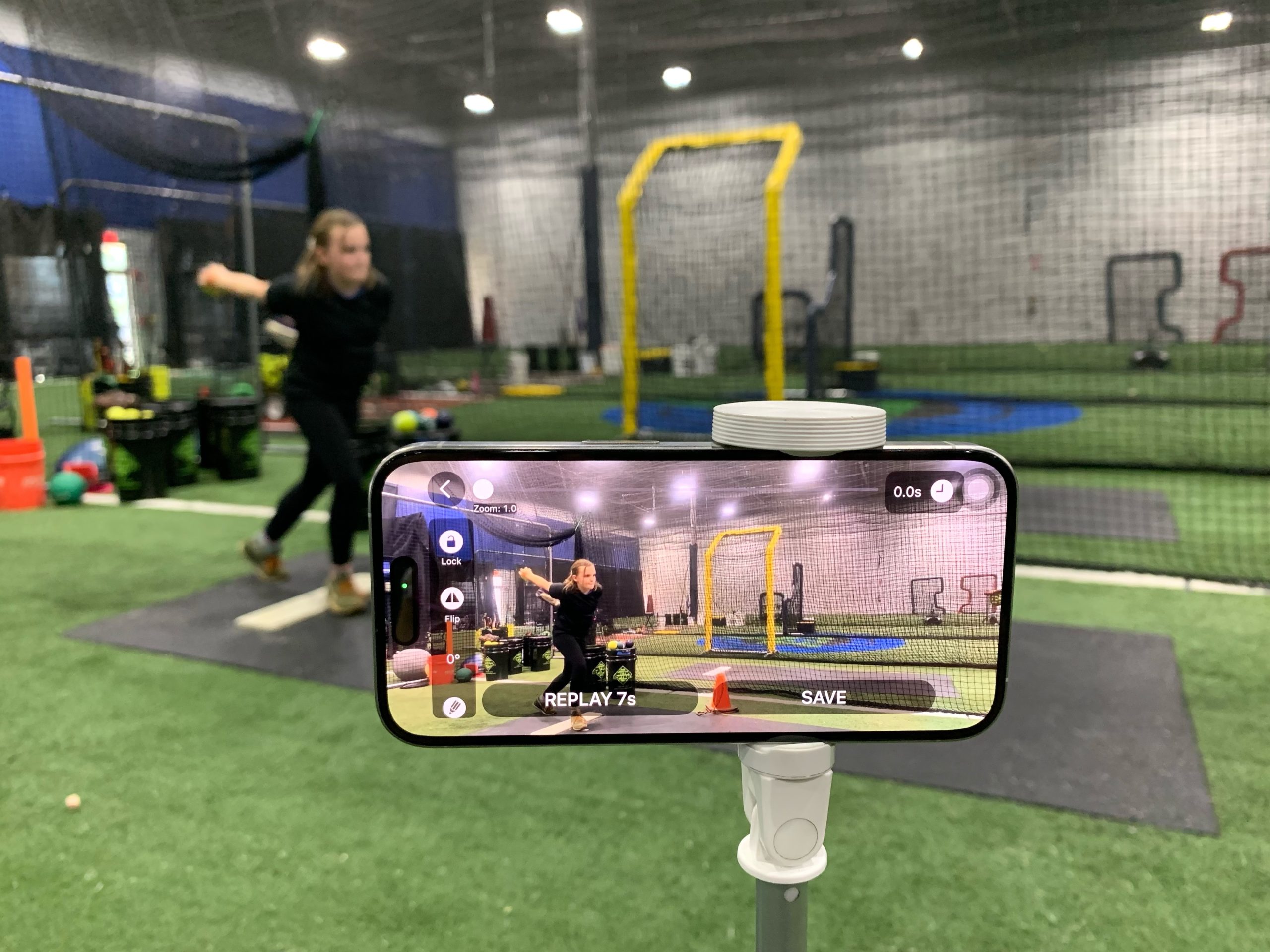
1. Set Up the Camera and the Video Delay Instant Replay App
Position your device using a tripod or a fence mount to capture a clear side or open-angle view of the pitcher. Make sure the full body is visible from push-off to follow-through. This view makes it easier to evaluate lower-body mechanics, such as drive-leg extension, hip sequencing, and stride stability.
Use a short delay (7–9 seconds) to review each pitch without interrupting the flow of training.
2. Record and Review Pitch in Real Time
Have the pitcher throw a pitch, then immediately review it using delayed playback. This quick turnaround helps connect the feeling of the motion with what actually happened, building proper muscle memory.
3. Replay in Slow-motion or Play-by-Play
To identify where adjustments are needed, move the playback timeline to analyze key moments play by play:
- Is the push-off leg driving forward, or is it just collapsing?
- Are the hips leading the motion, or lagging behind?
- Is the stride strong and controlled, or unstable?
4. Make Small Adjustments and Repeat
Focus on one correction at a time. For example, emphasize driving off the back leg more aggressively or stabilizing the landing leg. After a few drills, record again and compare performance.
5. Reinforce the Feel
Once the movement improves, help the pitcher recognize what it feels like. This builds body awareness so they can replicate it without always relying on video.
Turning Awareness Into Performance
The biggest advantage of using a video delay app is that it bridges the gap between perception and reality. What a pitcher thinks they’re doing and what they’re actually doing are often very different. Instant feedback dramatically speeds up the learning process.
By consistently reviewing and refining hip and knee drive, pitchers can transform their mechanics from arm-dominant to full-body efficient. The result is more power, better control, and a healthier, sustainable motion.
In the end, mastering pitching isn’t about throwing harder; it’s about moving better. And with the right tools and focus, that improvement is well within reach.
FAQ
What is the best video feedback setup during the pitching drill?
A simple setup with just your phone or tablet is enough to replay and break down pitching form. Mount your device on a tripod and position it based on your goal:
- Behind the pitcher to analyze load and drive mechanics
- In front to evaluate spin, release, and alignment
For most practice sessions, a short delay of 7 to 9 seconds lets you keep training without stopping, while still getting helpful video feedback.
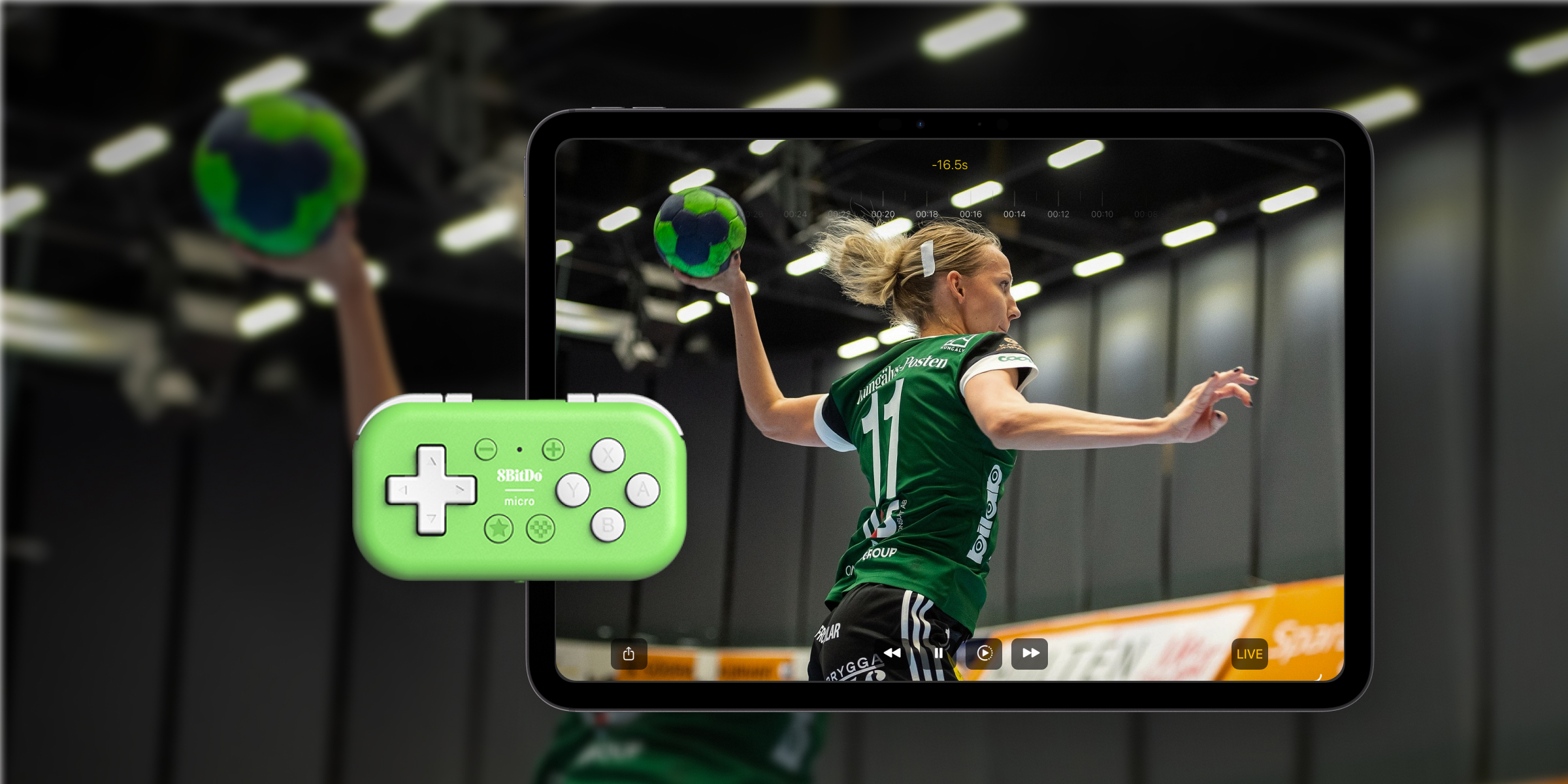
Tip: For a truly hands-free experience, connect your iPhone to an external screen or use a Bluetooth gamepad to replay and rewind without ever leaving your seat.
What other video delay feature helps athletes improve faster?
One useful feature is side-by-side comparison. You can import previous or model pitchers’ videos and compare them with current performance, making it easier to spot differences and track progress. Additional tools, such as drawing overlays and clip saving, also make it easier to deliver clear, visual feedback that athletes can revisit between lessons or when practicing with parents or on their own.
Can pitchers use the video delay app effectively for backyard reps?
Definitely. Using Slo-Mo Mode between lessons helps athletes take ownership of their development. With an automatic audio countdown and a slow-motion replay, she can throw, check the screen, and adjust without breaking the workout rhythm. This feedback loop turns backyard practice from “guessing” into “getting better.”
It also completely changes the parent-athlete dynamic. Looking at the screen together shifts the parent from “critic” to “facilitator.” It allows the athlete to see the reality for herself, reducing frustration and building her “feel” for the motion.