
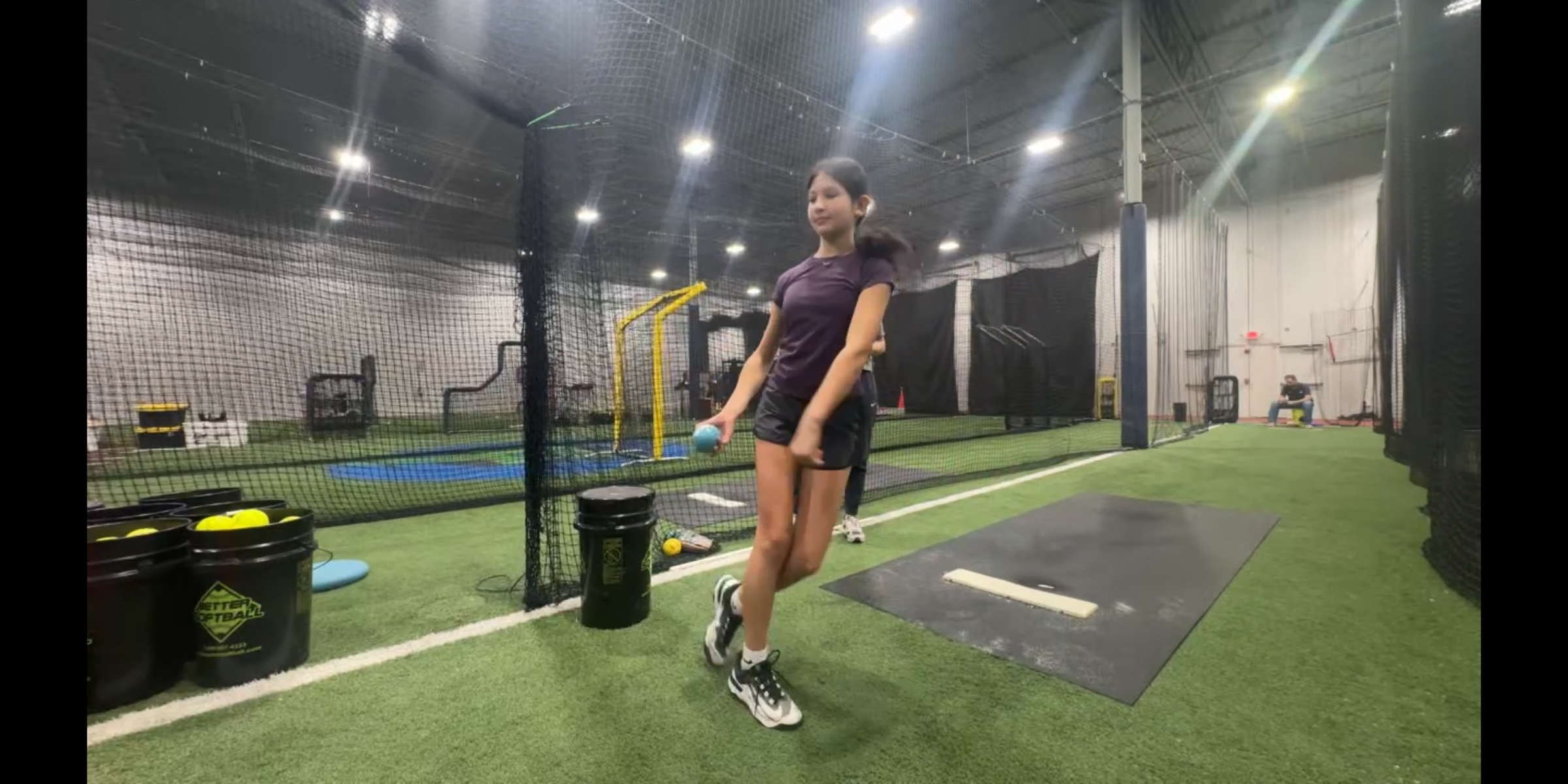
Written by Sophie Mooney, Pitching, Hitting & Fielding instructor at TPM, Atlanta, GA
Softball pitching is more complex than it appears. Every effective pitch depends on precise mechanics and body control developed through time and intention. Most mistakes hide in the gap between feel and reality.
The quickest way to close that gap — and accelerate a pitcher’s development — is to see yourself pitch seconds after release. This post explains how to set up the Video Delay Instant Replay app for softball pitching practice and what to watch for in replays.
Why visual feedback matters for softball pitchers
Softball pitching mechanics are unusually demanding. From mastering multiple pitch types to perfecting spin, pitchers must learn how to manipulate the ball with subtle finger pressure and exact hand placement. Each pitch requires a different spin and often a different axis, meaning even the slightest variation can completely change the outcome. On top of that, maintaining the correct body posture adds another layer of difficulty.
One of the biggest challenges pitchers face is the disconnect between what they feel and what they’re actually doing. A pitcher might believe she’s staying tall through release, when video shows a slight forward lean. She might feel her fingers cutting cleanly across the seams, when the spin tells a different story.
Verbal cues from a coach help, but they’re filtered through the pitcher’s own — often unreliable — body sense. Instant video feedback removes that filter. She doesn’t just trust the feel. She can watch and review mechanics after every throw.
That’s what the Video Delay app does: provide visual feedback on a pitch immediately after she throws it. Instead of waiting for recorded footage to be analyzed later, adjustments can happen in real time.
Why instant feedback speeds up player development
When pitchers can see exactly what they’re doing, improvement happens faster. Instead of relying solely on verbal coaching cues or guesswork, they can make direct, informed adjustments.
For example, a pitcher might believe they’re staying tall through their motion, but video might reveal a slight lean that affects pitch accuracy. Or they may think their fingers are creating the right spin, only to see that their release is slightly off-axis.
By identifying these small details quickly, pitchers can correct them sooner — leading to a faster stride in their overall development.
How to set up the Video Delay app for a pitching session
The setup depends on where you’re practicing and who’s watching. Most pitching practice happens in the batting cages with a coach, but pitchers also work alone at home — and the two settings call for very different setups.
Pitching training session with a coach
With a single camera, the angle you choose determines what appears on the replay screen. Position the camera behind the pitcher to watch the load (the gather, hip and shoulder separation, and the back of the arm circle); position it in front to see the spin at release.
- Set the tripod on the pitcher’s open side or behind, depending on the session’s focus. Keep it well off to one side of the strike zone, not in line with pitches.
- Mount the device at hip height and frame the shot so the rubber, the full body at release, and the landing spot are all in view.
- Connect the iPhone or iPad to an external screen of your choice — AirPlay to an Apple TV, or an HDMI cable to a monitor. The coach watches delayed video feedback on the TV, not on the iPad.
- Open the Video Delay app and select the rear camera. Tap the Light button to adjust exposure.
- Tap Start and set the delay to 7–9 seconds — short enough that the coach can react and call out a correction before the next pitch, but long enough to finish the delivery and look up.
The coach watches live, then checks the other-angle replay on the TV a few seconds later. Two angles, one pitch, no extra camera.
💡 A vertically mounted display works especially well for pitching since the delivery is taller than it is wide. → Learn how to use an external screen in vertical with the Video Delay app.
Solo pitching practice in the backyard
When a pitcher is reviewing her own delivery, the most convenient setup is to use the front-facing camera — the iPad screen points back at the pitcher so she can watch the replay while she prepares for the next pitch.
- Place the tripod in front, with the iPad screen facing the pitcher.
- Mount the device at hip height. Frame the full body and release point.
- Open the Video Delay app and select the front camera.
- Tap Start and set the delay to 10 seconds — long enough to finish the pitch, reset, and watch the replay while she’s setting up for the next one.
The pitcher throws, resets, then watches the instant replay on the iPad while preparing for the next pitch. No extra steps needed.
💡 If shooting outdoors, use mid-morning or late afternoon light. Keep the sun behind the camera to avoid backlighting and silhouettes.
How to break down a pitch in Replay View
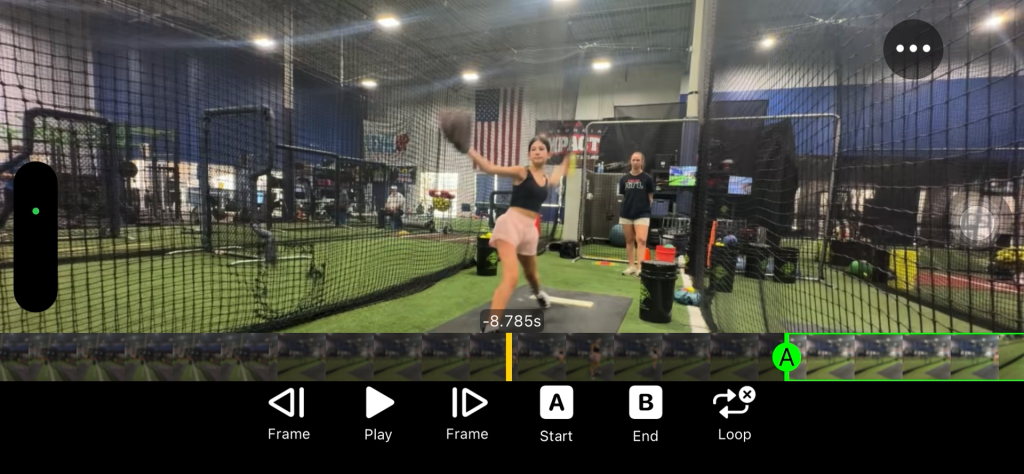
Delay Mode is great for between-pitch feedback, but deeper analysis happens in Replay View with frame-by-frame stepping, slow motion, looping, and drawing tools.
Some of the most useful features include:
- Side-by-side comparison: Softball pitchers can compare two different pitches or mechanics to see subtle differences in hand placement, posture, or timing.
- Slow-motion playback: Breaking down each phase of the pitch helps identify where things go wrong — or right.
- Frame-by-frame analysis lets you inspect spin mechanics, release point, and body alignment in detail.
These tools give pitchers a clearer understanding of how their movements translate into ball behavior.
From complexity to confidence
Softball pitching will always be a complex skill, but tools like video delay apps help simplify the learning process. By turning invisible mechanics into visible feedback, pitchers gain clarity, confidence, and control over their performance.
In a skill where precision matters so much, being able to see the difference between “almost right” and “exactly right” unlocks higher performance and fastens player development.