If you’re a coach searching for the perfect video delay solution to keep drills moving while providing instant feedback, you’ve probably encountered two options: the subscription-based Video Delay Instant Replay and the legacy Video Delay Instant Replay Pro. This comparison reveals the critical differences between two apps.
The Essential “Don’t-Stop-the-Drill” Loop: What Both Video Delay Apps Offer
Every coach needs the core video delay workflow that makes training seamless:
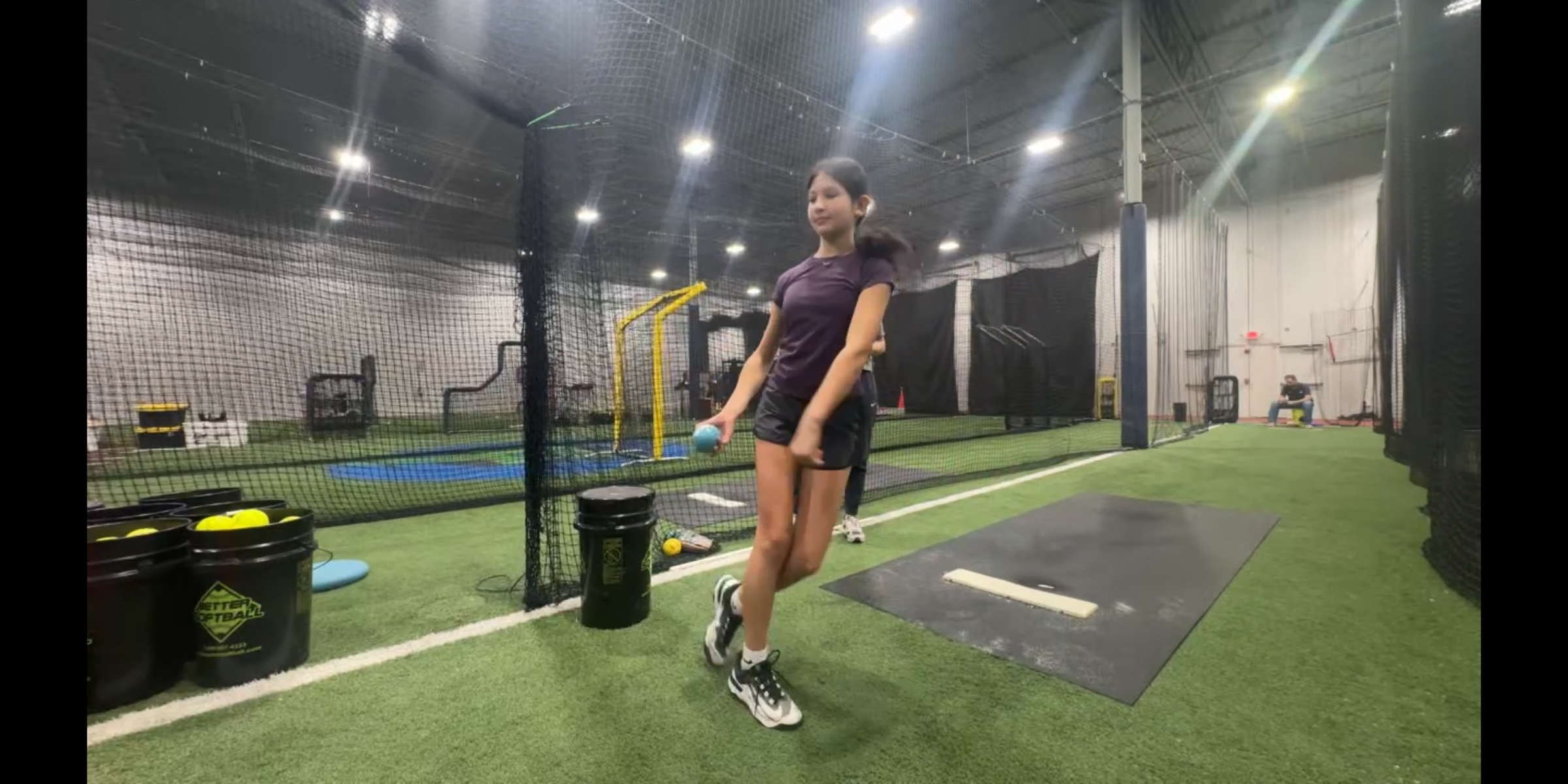
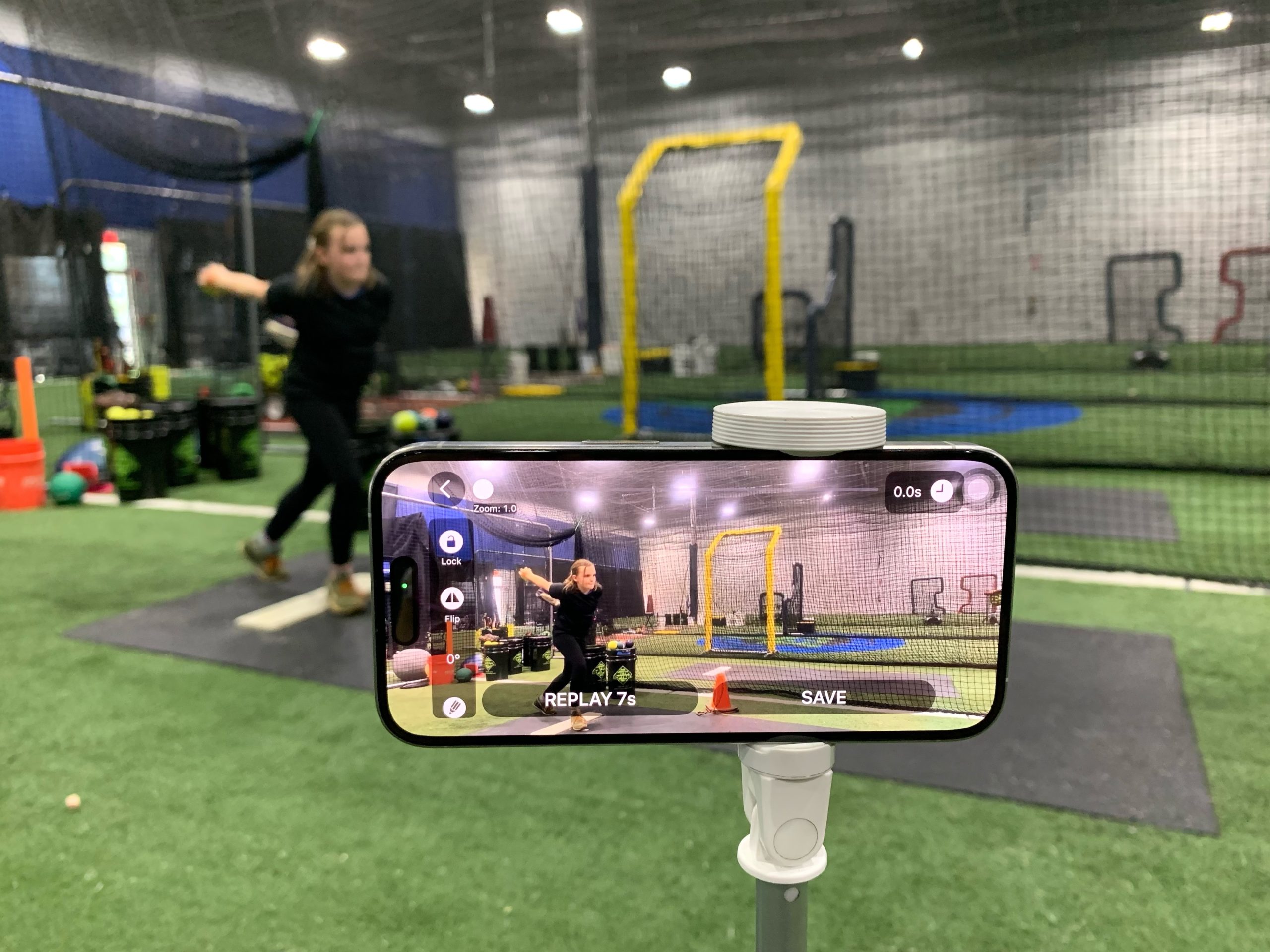
- Mount your iPhone/iPad on a tripod and AirPlay to a larger screen
- Set a delay (typically 5-20 seconds)
- The app continuously captures the live camera feed into a local buffer.
- An athlete performs an action, then watches the delayed replay on the screen.
- While they review, the next athlete performs their action. This cycle continues throughout a training session.
- Coach jumps in only when needed, without breaking the flow.
This hands-free replay loop is the foundation that makes delayed replay so powerful for sports training. But beyond this basic functionality, the differences become dramatic.
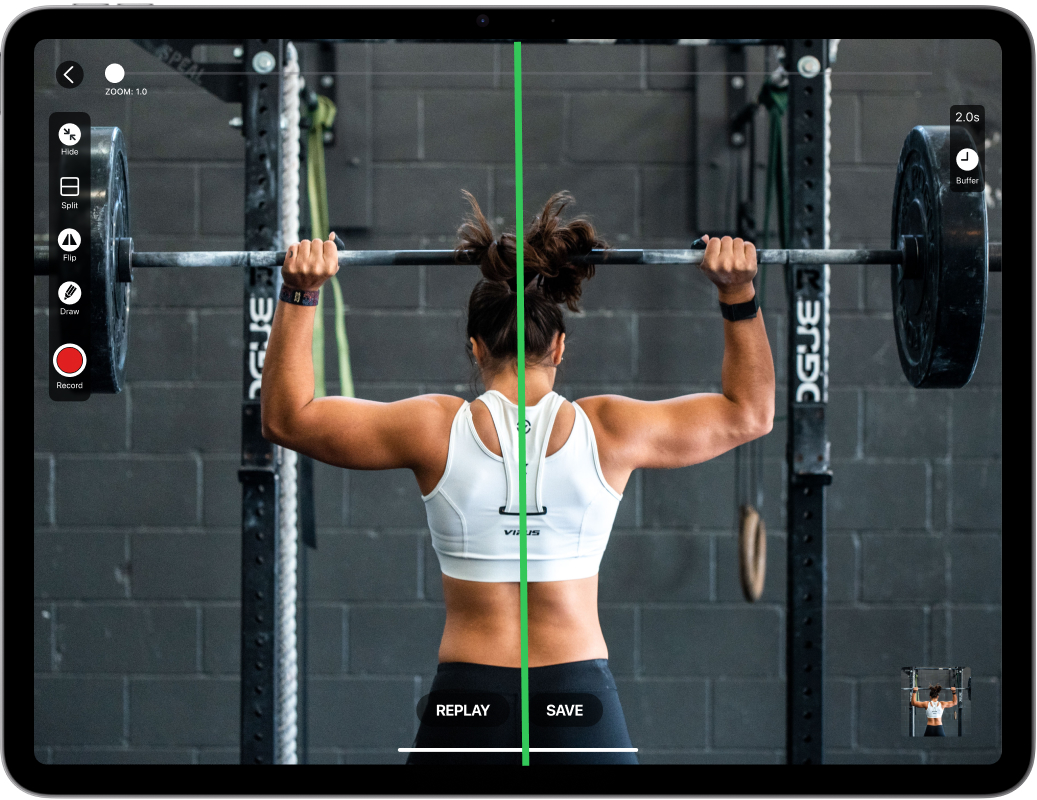
🚀 8 New Features That Make Video Delay Instant Replay Stand Out
- Extended Buffer & Crystal Clear 2K Video – Capture up to 20 minutes at 720p or stunning 2K video. This extended buffer means you never miss critical moments during complex drills.
- Real-Time Drawing & Markup Tools – The drawing feature lets you illustrate corrections directly on the video. Draw lines for body positioning, angles for technique analysis, or circles to highlight key movements.
- Buffer Rewind Functionality – Missed something? Rewind the buffer to review any moment from the past 20 minutes, then jump back to live. This feature alone transforms how you analyze continuous practice sessions.
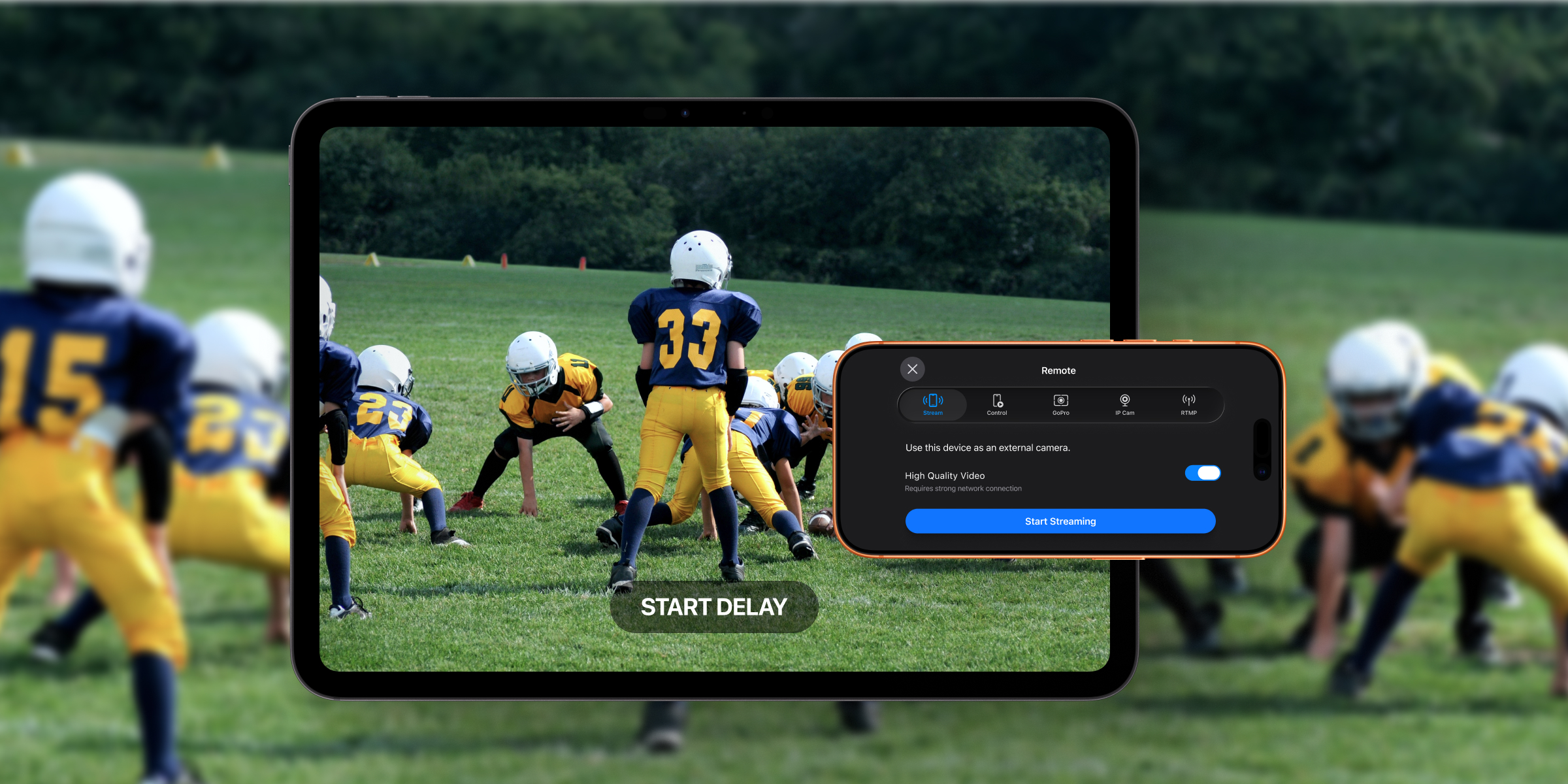
- Multi-Camera Support – Connect GoPro, RTSP, or USB-C cameras (iPad only) for specialized angles or underwater capture.
- Split Screen with Independent Delays – Display two camera feeds simultaneously, each with its own delay timing. Perfect for front/side, underwater, or overwater views.
- Quick Save – Save short clips fast – perfect for collecting highlights or keeping a few reps for later review.
- Share – Send clips using the standard Apple Share workflow (Messages, email, AirDrop, etc.).
- Continuous Updates & Direct Support – Regular feature updates, iOS compatibility maintenance, and responsive customer support ensure your system never becomes obsolete.
Side-by-Side Comparison: Which Video Delay App Fits Your Coaching Style?
| Feature | Video Delay Instant Replay (Subscription) | Video Delay Instant Replay Pro (Legacy) |
|---|---|---|
| Maximum Buffer Duration | 20 minutes at 720p | Limited capacity |
| Video Resolution | 2K professional quality | Lower resolutions |
| Drawing & Markup Tools | ✅ Complete annotation suite | ❌ Not available |
| Buffer Rewind Capability | ✅ Full rewind control | ❌ Not available |
| External Camera Support | GoPro, RTSP, USB-C | ❌ Built-in only |
| Split Screen Functionality | ✅ Dual feeds, independent delays | ❌ Single feed only |
| Quick Save & Sharing | ✅ Instant export & sharing | ❌ Not available |
| Active Development | ✅ Regular feature updates | ❌ No future updates |
| Future Compatibility | ✅ Guaranteed iOS updates | ❌ No future updates |
The Ultimate Decision: Which Video Delay System Wins?
Choose Video Delay Instant Replay Subscription if:
You’re serious about transforming your coaching with professional tools. The drawing features, multi-camera support, and continuous development make this Video Delay Instant Replay system an investment that grows with your coaching career. The ability to rewind and analyze minutes of continuous practice is a game-changer for team sports and complex skill development.
Consider Video Delay Instant Replay Pro Only if:
You need bare-bones delayed replay for occasional use, you’re comfortable with unsupported software, and you prefer a one-time payment over ongoing investment in your coaching toolkit.
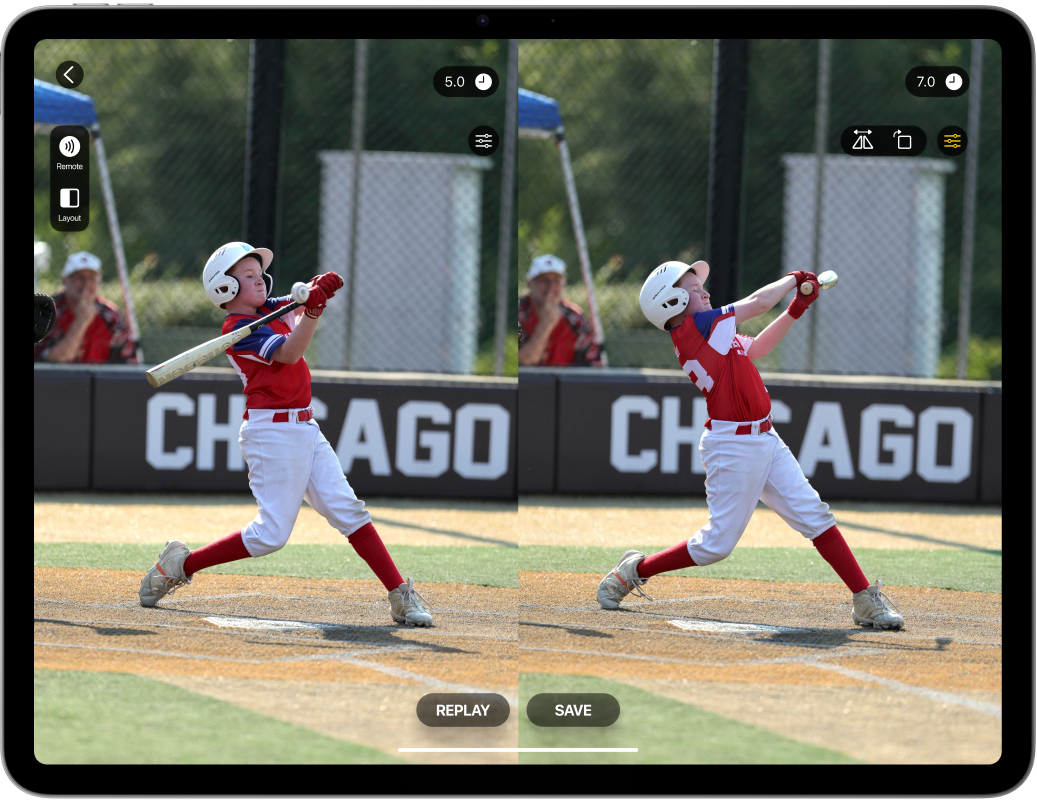
Transform Your Coaching Today with Video Delay Instant Replay
The subscription-based app represents the future of sports training technology. With professional features like frame by frame analysis, real-time drawing tools, and external camera support, you’re not just getting delayed video, you’re getting a complete coaching analysis platform that works seamlessly within your existing practice flow.
Ready to experience the professional difference?
🏫 School & Organization Licensing Available
We offer direct institutional licensing for schools, clubs, and organizations that require MDM (Mobile Device Management) deployment or VPP (Volume Purchase Program) solutions. Contact us for institutional pricing and deployment options.