Written by Ashlye Hylton Toure, Owner, TPM Fastpitch Academy, Atlanta, GA
Whether you’re a young softball player working on your swing or a parent helping at practice, immediate visual feedback can make a big difference. Rather than guessing after each rep, you can watch it seconds later and adjust on the next attempt.
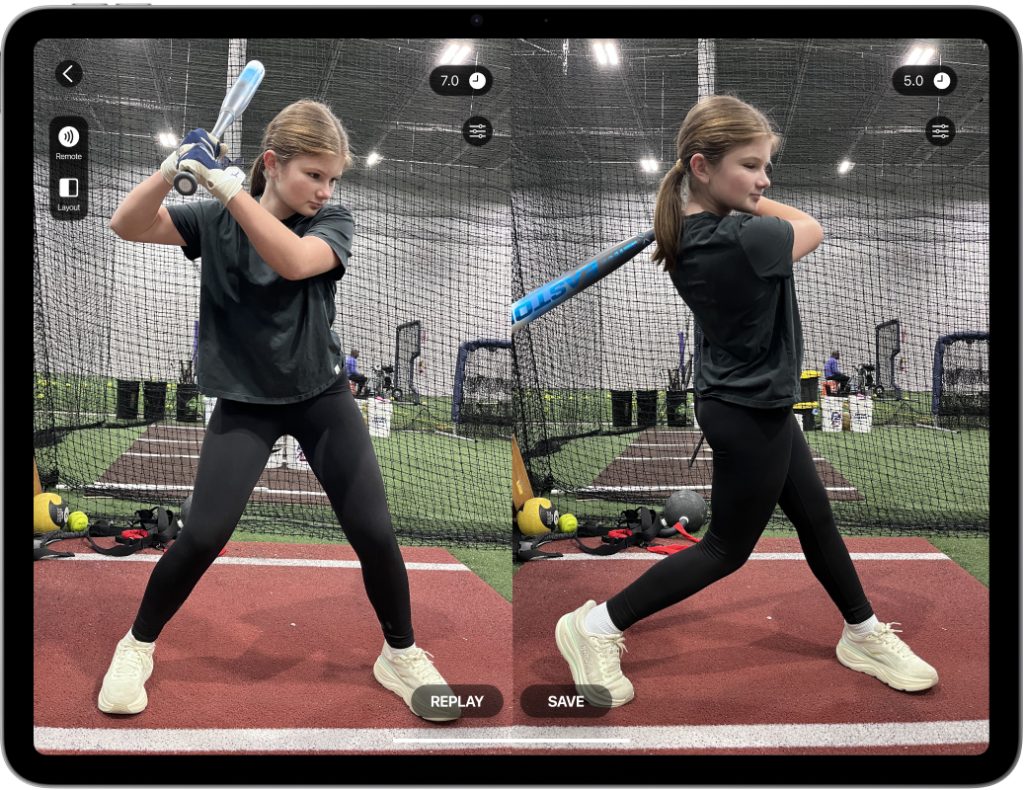
That’s what makes video technology so useful. With the Video Delay Instant Replay app, players get visual feedback without stopping practice flow. You take your swing, look up, and review the rep right away. This helps athletes build better habits, stay engaged, and make faster progress during hitting training.
Why Video Delay Helps Young Softball Players Build a Better Swing
A good swing is not just about hitting hard. Young athletes need to learn how to start in a balanced stance, get into a strong load, and rotate through the ball under control. These parts can be hard to feel in real time, especially for newer players.
That’s where video delay helps. Seeing the swing right after contact gives players instant visual feedback on what they are actually doing, not just what they think they are doing. Coaches and parents can quickly point out simple adjustments like:
- staying balanced in the stance
- keeping the head steady
- loading without drifting
- starting the move with good body control
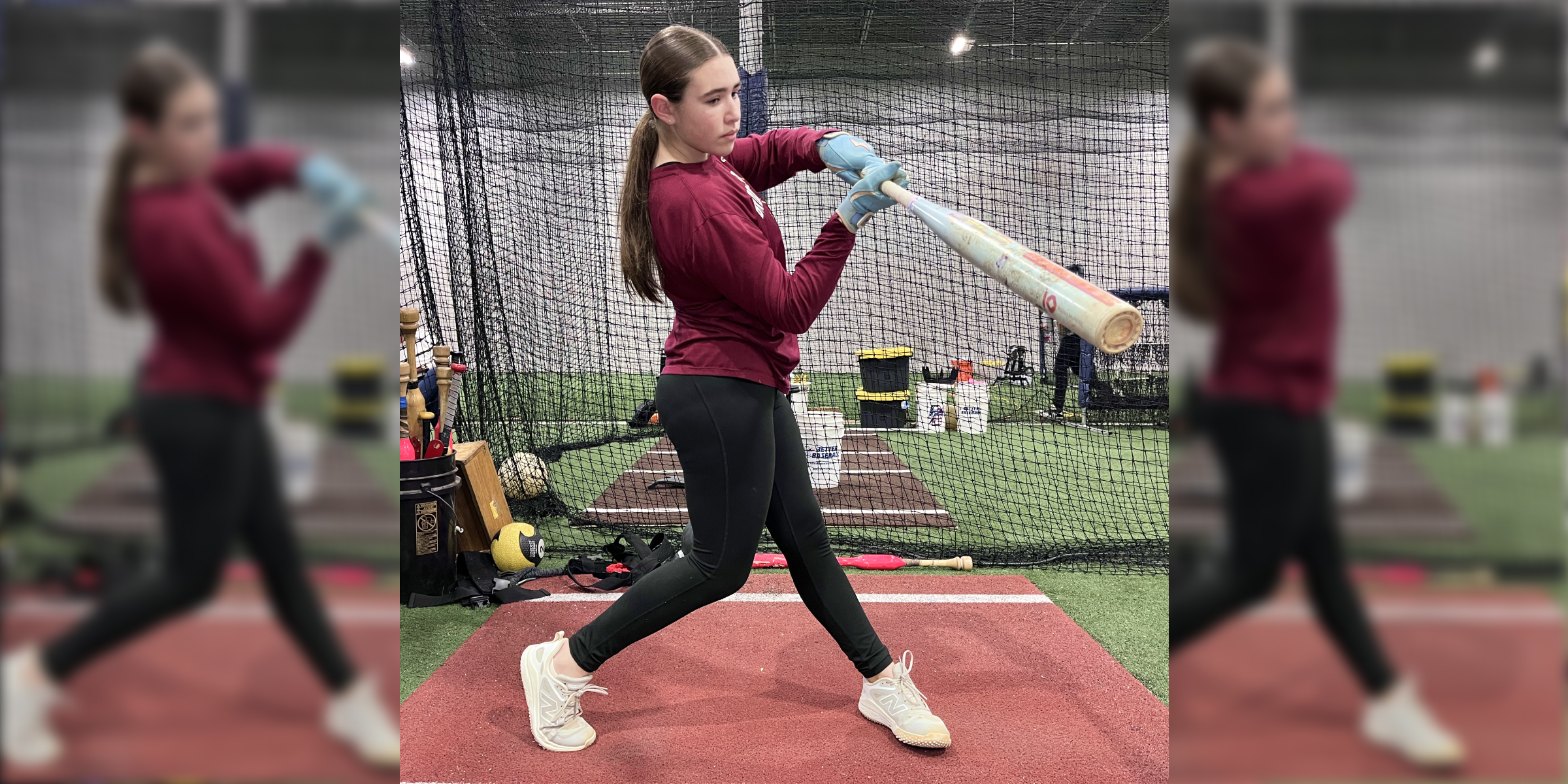
- finishing under balance
This feedback is crucial in softball, where timing and body position at the plate matter most. Understanding what to look for will help you use video delay most effectively.
How to Set Up the Video Delay App for Hitting Practice
The app is designed for hands-free replay, which works well for solo work, coach or parent-assisted sessions, and team practice.
1. Position Your Device
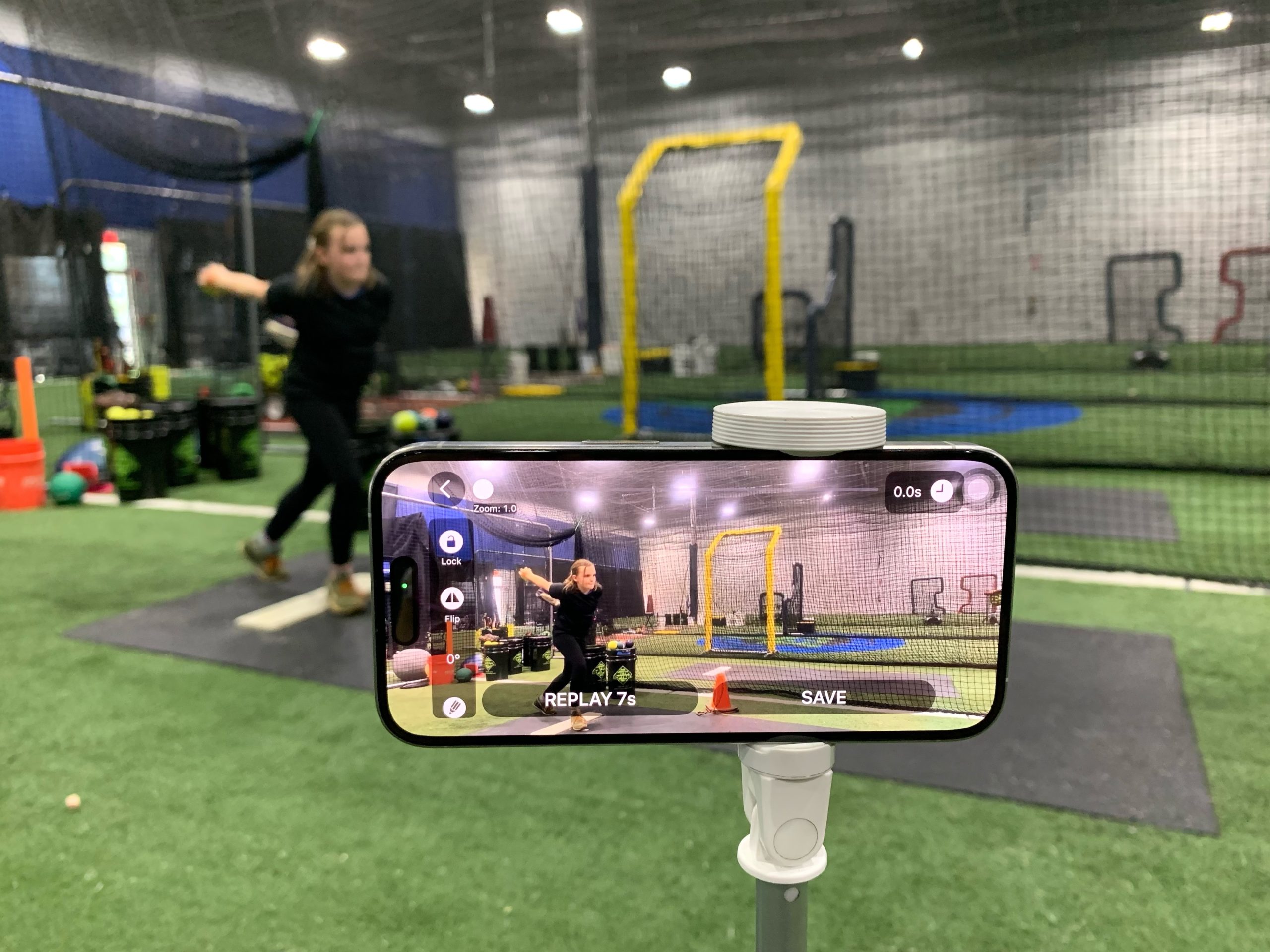
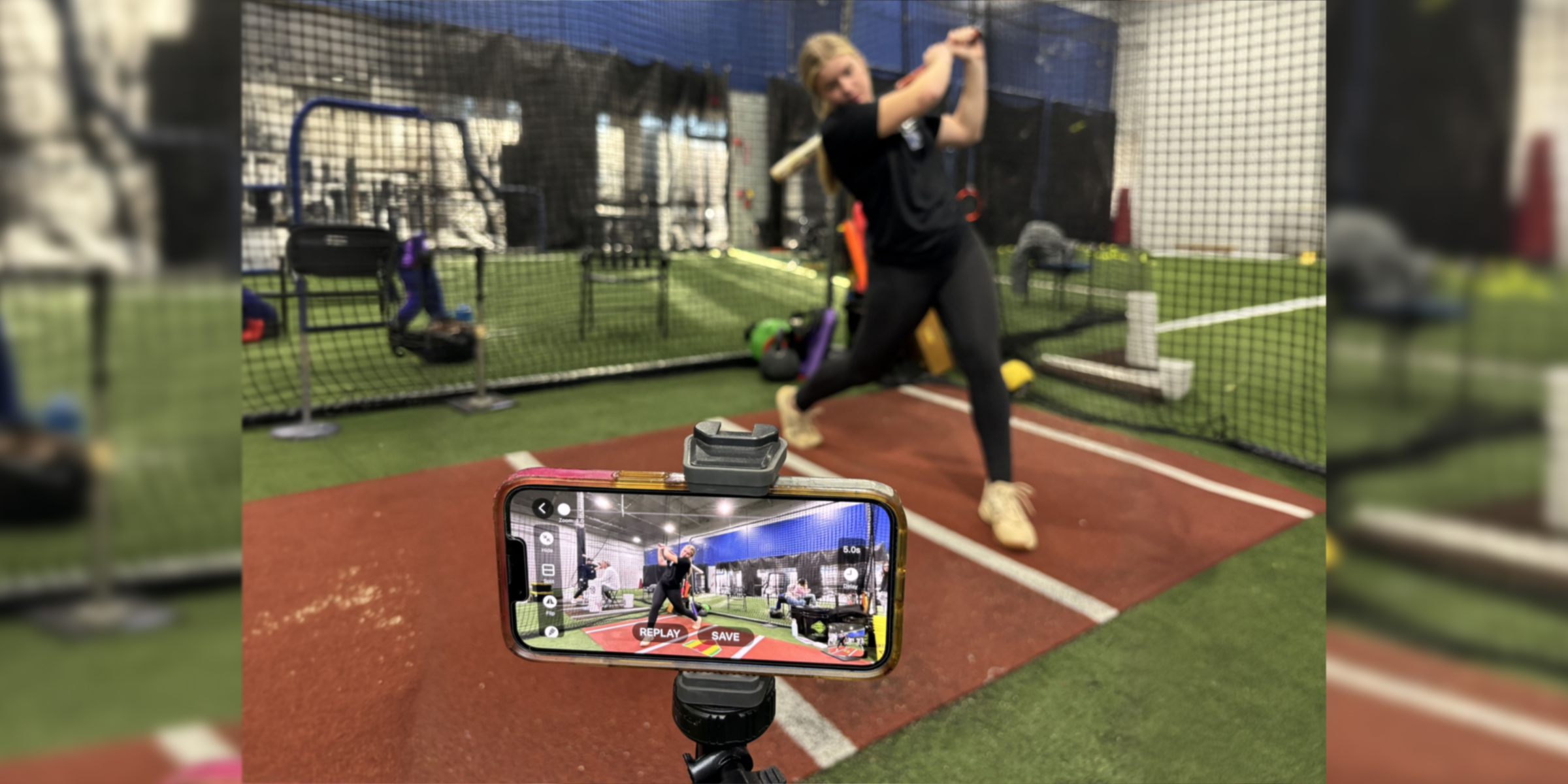
Place the device 90 degrees to the hitter’s side, preferably on a tripod. This side angle provides the clearest view of body positioning during each rep.
2. Choose Your Delay Camera
Open the app, select Delay Mode, and choose your camera. If you don’t have an external screen, use the front camera. If possible, use the back camera and AirPlay to a larger display to help hitters review their form more clearly.
💡 Tip: For outdoor practice without an external screen, use an iPhone as the camera and an iPad as the screen and controller. This makes reviewing multiple swings easier during hitting session.
3. Frame the Shot
Keep the hitter in frame from stance through finish. Then tap Start.
4. Pick a Delay Time
Set a delay long enough for the player to swing and look back at the screen. For most hitting drills, about 7 seconds is a good starting point.
5. Review and Adjust Your Form
After each swing or set of reps, use delayed playback to check if
- Your stance is balanced.
- The load position is stacked.
- Rotation begins explosively from the center of the body, starting with the hips and torso.
💡 Tip: Use the Split Screen feature with different delay times to watch the action twice and focus on different parts of the movement.
What to Watch for in the Softball Swing
When using delayed replay during hitting practice, keep the focus simple. You do not need to break down every detail. Start with a few key checkpoints:
- Stance: Is the hitter balanced and athletic before the pitch?
- Load: Does the player gather smoothly?
- Rotation: Does the body turn through the swing in a strong, controlled way (using hips and torso rather than just arms)?
- Head position: Does the hitter keep the head fairly steady through contact?
- Finish: Does the hitter stay balanced after the swing?
For young players, focus on three main checkpoints. Start with the areas that need the most improvement, then move to the others.
Use Replay View for More Detailed Analysis
For a deeper swing review, switch to Replay View. This feature available on Apple devices lets players and coaches analyze slow-motion playback and add on-screen drawings for clearer, targeted feedback.
Slow-motion playback helps to inspect balance, posture, and body control in the launch position. Slow down the playback, swipe the timeline, or use the frame-by-frame buttons to break down every move.
The draw tool helps to visually highlight the correct form and target improvements. Using lines and angle markers, you can check whether:
- The shoulders and hips are stacked at launch.
- The body is leaking offline during the swing.
Add on-screen lines so the hitter can track movement and keep proper position.
- Spine and Head Position: Check if the head stays aligned with the spine and does not drift forward during rotation.
- Hip Rotation Sequence: Review whether your swing begins with the hips initiating rotation, allowing the upper body to follow.
The Compare feature shows two videos side by side. Import a clip and play it alongside the current replay. Use it to show the young players:
- their own swing next to a coach’s demo
- a better stroke from earlier practice
- a sample video that shows the right way to move.
Watching both clips at once makes it easier to understand the coach’s clues and spot the differences in loading, head position, and swing finish. Analyzing side-by-side videos makes it much clearer what to improve and what to copy for the next rep.
To make the most of the Replay tools, focus feedback on one checkpoint at a time, such as head position, posture, or balance. This targeted approach, supported by clear visuals from the app tools, helps players make effective adjustments and reinforces learning with each stroke.
Save and Share Your Swings Easily
If a player takes a strong swing or one for future review, use the Clip Save button to quickly create a short replay clip. Save it for later comparison, send it to a coach, or post on social media. This makes it easy to track progress over time or get feedback after practice.
Capture the moment and tap Save. Adjust the clip’s length with shortcut buttons or manual trim. When ready, tap Save Clip to save it to your device, or tap Share Clip to choose from various Apple sharing options.
For parents and young players, this is a simple way to keep important clips organized without extra editing steps or taking up unnecessary storage space.
Conclusion
Using a video delay app during softball training gives young players effective visual feedback. Instead of stopping practice to review full videos, hitters watch each swing in real time, make adjustments, and continue. Practice is more efficient and engaging, helping hitters and parents understand mechanics and build better habits with every rep.
Even without a coach or access to a good softball facility, it’s easy to get proper feedback – set up a video delay at home using a phone, tablet, and tripod. Turning your backyard, garage, or driveway into a modern training zone can transform hitting practice into a tool for improving your child’s softball swing.
Download the Video Delay Instant Replay app for iOS or Android to get started and make the most of each practice.